
Dynamic QR Codes
Update content anytime. No reprinting needed.

Add text, images, videos, PDFs and more. Update anytime, customize your brand, and track every scan.

YOUR PREVIEW
WILL APPEAR HERE

No components yet
Add your first block to get started.
YOUR PREVIEW
WILL APPEAR HERE
Update content anytime. No reprinting needed.
Add images, videos, PDFs, links and more to build richer QR pages.
See scans, locations, devices and referrers in real time.
Customize colors, frames, logos and domains to match your brand.
USE CASES
Share menus, specials, photos and ordering links in one scan.
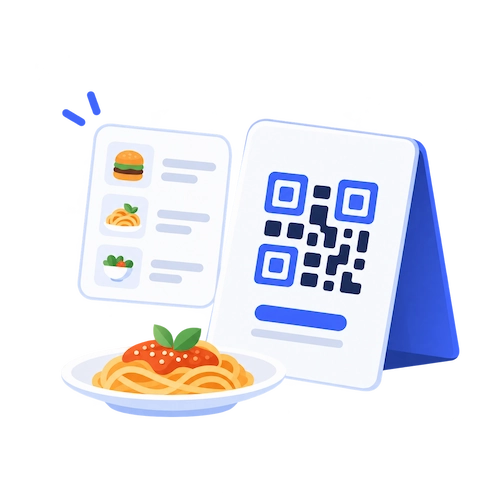
Bring schedules, locations, RSVPs and details together on one page.

Turn a property sign into a mobile listing with photos, video and contact details.
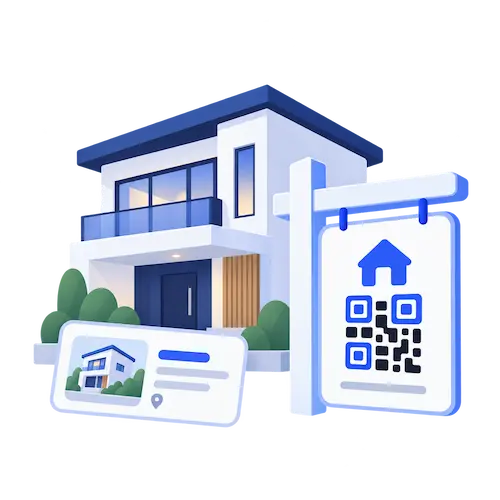
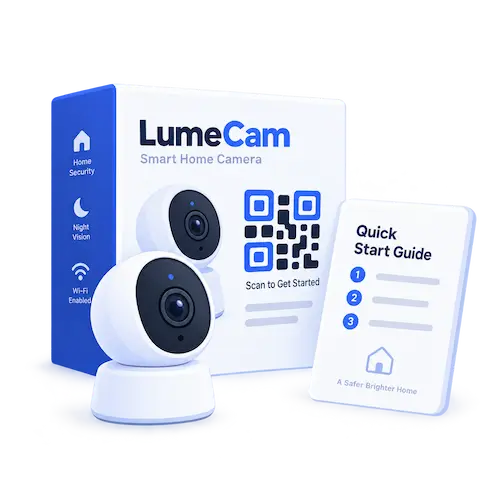
Share manuals, setup guides, videos and product details without reprinting.
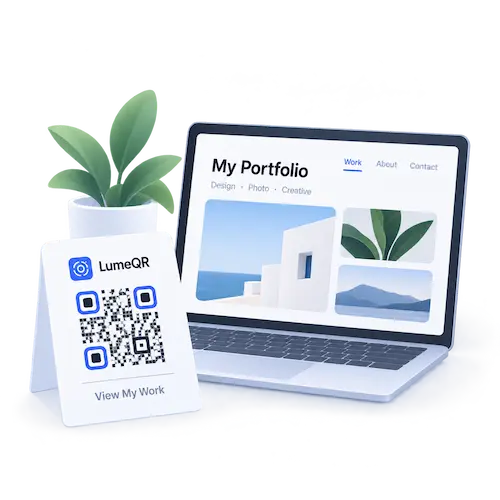
Showcase your work, links and contact details through one clean QR page.
Connect print materials to campaigns, offers, media and measurable actions.
DYNAMIC QR CODES
Edit your QR page even after it’s published. The QR code stays the same, so printed materials keep working.
FAQ
A dynamic QR page is a page connected to your QR code that you can update after the QR code has been created. You can change the content later without replacing or reprinting the QR code.
Yes. You can update the content behind the QR code at any time while keeping the same printed QR code.
You can currently add text, images, links, and PDFs to a LumeQR page, then arrange the content to fit your needs. More content types will be added over time.
An active saved QR page counts toward your Live Pages limit. Draft pages and paused pages do not count while they remain in those states. Restored pages return as paused and only count again after they are activated.
No. LumeQR is built for dynamic QR pages, so the content behind your QR code can continue to change after the code has been created.
Your existing active QR pages keep working. You can still edit them, but you won’t be able to save a new draft as a live page or reactivate a paused page until capacity becomes available or you upgrade your plan.
Yes. You can customize the appearance of your QR code and the page behind it. Some customization options may depend on your plan.
Not yet. Scan analytics are still in development and are not currently available. We plan to add scan and visitor insights in a future release.
Update anytime. Keep the same QR code.


